
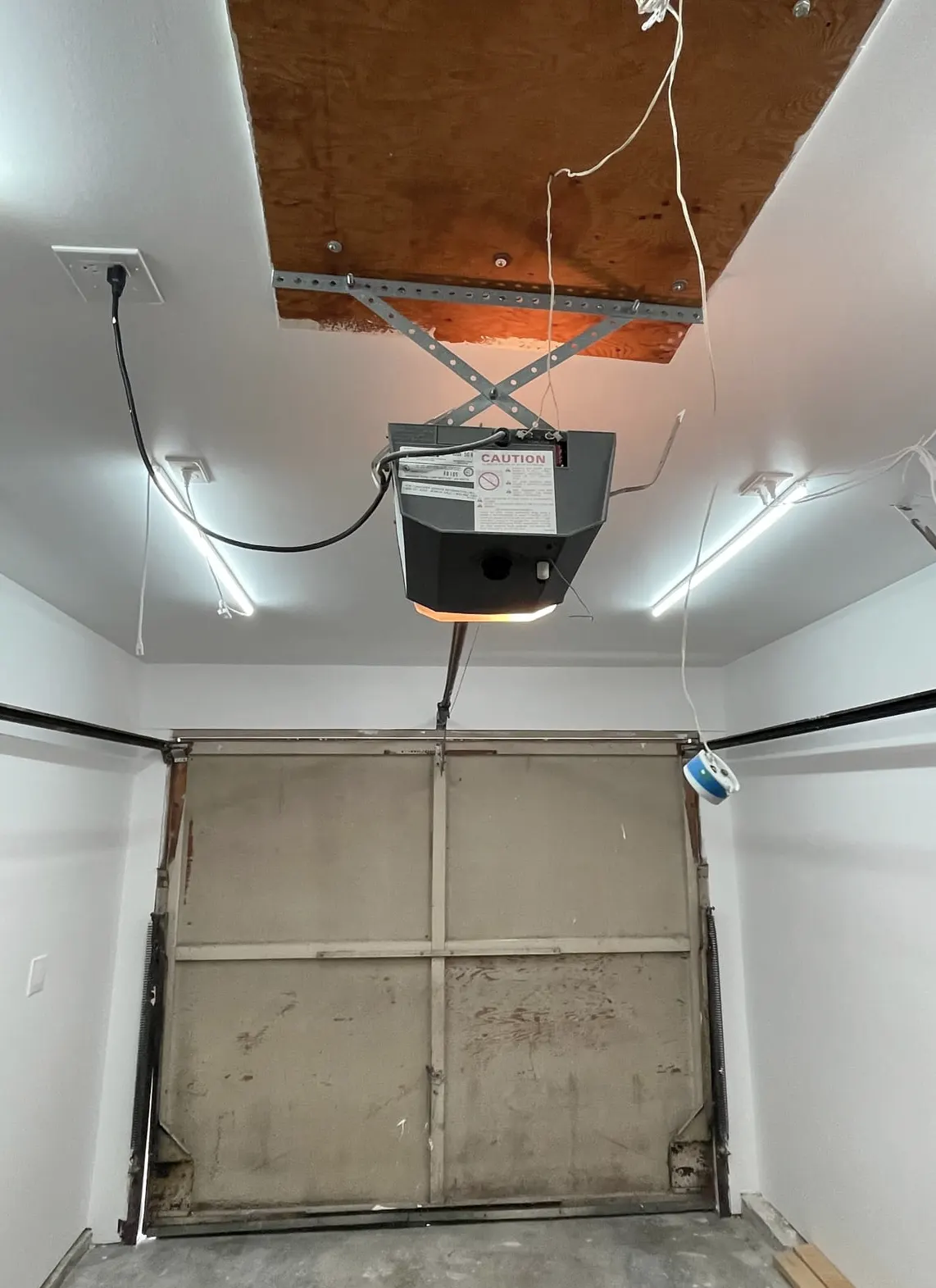
What a Technician Sees on This Call
A typical service call starts with a homeowner who can't remember which of three remotes still works, or whose keypad buttons have gone sticky and unresponsive after a humid Lowcountry summer. It's common after a move, after a hurricane evacuation when a remote got left behind in a car that never came back, or after a house sale where the old owners' opener codes were never cleared out. Salt air and moisture around coastal garages also corrode keypad contacts faster than inland homes, so a keypad that worked fine in spring can start double-entering digits or failing outright by fall.
Most of this is fixable without a service call. Here's how to handle it, and where the line is for calling in a technician.
Tools You'll Need
- Your opener's manual, or the model number printed on the motor unit (usually on a sticker on the side)
- A step stool to reach the wall-mounted opener unit in the garage
- A small flathead screwdriver (for some keypad battery covers)
- Fresh batteries for remotes and keypad
- A phone flashlight — opener units are often mounted in dim corners
Step 1: Locate the "Learn" Button
Every modern opener has a small purple, yellow, orange, or red button on the motor unit itself, usually near the antenna wire. This is the programming button, and everything below depends on finding it.
Step 2: Clear All Existing Codes
- Press and hold the Learn button until the indicator light next to it turns off (this can take 6–10 seconds).
- This wipes every remote and keypad code from the opener's memory — a full reset.
- Do this any time a remote is lost, stolen, or unaccounted for, or after buying a home where you don't know who has the old codes.
Step 3: Reprogram Remotes
- Press the Learn button once; the indicator light will blink.
- Within 30 seconds, press and hold the button on the remote you want to keep.
- Release when the opener light blinks or you hear a click — that remote is now paired.
- Repeat for each remote you're keeping, one at a time.
Step 4: Reprogram the Keypad
- Press the Learn button once.
- On the keypad, enter a new 4-digit (or longer) PIN of your choosing, then press Enter.
- Test it before walking away — enter the code and confirm the door opens.
- Replace the keypad batteries if it's been sluggish or needs repeated presses; corrosion from humidity is often the real culprit, not the programming.
Step 5: Set a New Code Regularly
Treat your keypad code like a house key. Change it whenever a contractor, house-sitter, or pet walker no longer needs access, and after any lost-remote event. Many households also change it before extended trips, since a keypad code left unchanged for years is effectively a spare key handed to anyone who ever had a reason to know it.
What a Homeowner Can Handle
- Clearing all codes and starting fresh
- Reprogramming remotes and keypads using the Learn button
- Replacing keypad or remote batteries
- Wiping fingerprints, corrosion, or pine sap residue off keypad buttons
What Needs a Technician
- The Learn button doesn't respond, or the indicator light won't blink at all — often a sign of a failing circuit board
- A keypad that's physically cracked or water-damaged from being mounted in direct rain exposure
- An opener old enough that it uses dip-switch programming instead of a Learn button (common on units installed before rolling-code technology became standard)
- A remote or keypad that seems to trigger the door randomly, which can point to interference or a wiring issue rather than a programming problem
When to Call Mt Pleasant Garage Door
If your opener won't accept a reset, if you've got an older system without a visible Learn button, or if you're dealing with a commercial property where multiple employees need separate access codes, it's time to call. Our Opener Repair & Replacement service covers everything from reprogramming stubborn circuit boards to swapping out an opener that's reached the end of its life. We also handle Preventive Maintenance visits that include checking keypad wiring and remote sensors before humidity and salt air cause bigger problems down the line.
If a remote went missing and you're not sure your garage is secure tonight, give Mt Pleasant Garage Door a call — we serve Mt Pleasant, Charleston, North Charleston, and the surrounding Lowcountry, and we can get your access locked down fast.